
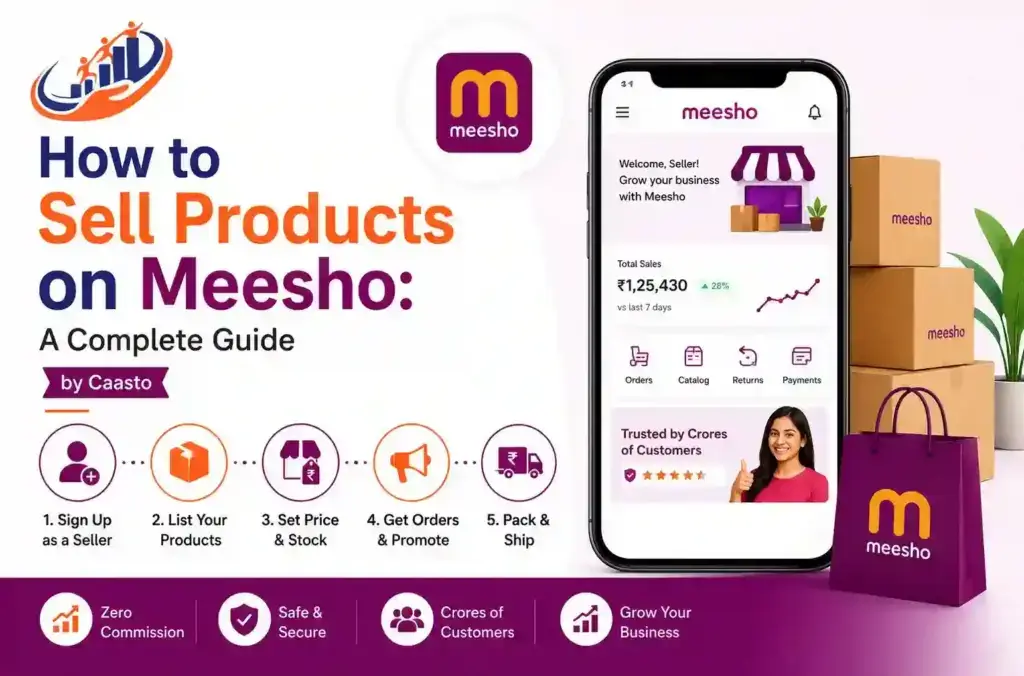
How to Sell Products on Meesho: A Complete Guide by Caasto
How to Sell Products on Meesho: A Complete Guide by Caasto Have you been trying to figure out how to sell products on Meesho? Then you’ve probably noticed that a lot of sellers have done it, and it seems to work. And yes, if there are thousands of homemakers, entrepreneurs, and enterprising individuals across India trying to use Meesho to make some money for themselves without buying a big old warehouse and staff, we can definitely help you do the same! Here at Caasto, we’re looking to show you what you need to do to make your time in Meesho fruitful without leaving you guessing as you stumble around in their labyrinth of options. Why Meesho Has Become Popular Among Sellers Meesho is a zero-commission e-marketplace and reselling portal; it provides direct access for sellers and buyers to meet across India. If you are new to online selling, Meesho can be your preferred platform because it does not levy listing fees, unlike many other e-commerce platforms. Before becoming a supplier, one of the significant things that becomes important is to gain insight into how Meesho works. Basically, Meesho works by enabling sellers to list their products and shoppers or resellers to browse and buy items. As the seller ships items, Meesho takes responsibility for the shipment, receives payment, and further credits the supplier’s account after bearing certain charges. One of the relatively simpler ways to learn how to earn from Meesho without using a store. How to Sell Products on Meesho: Step-by-Step Process Right then let’s move to the next, and most important part of this guide, where we are going to talk about how to sell products on Meesho, right from the beginning, that is the registration, up till the very first sale, what are all the steps involved. 1. Register as a Seller Log on to the Meesho Supplier Panel website or download the Meesho Supplier application. Documents that you may need for selling on Meesho: An active GSTIN (Goods and Services Tax identification number) A functioning bank account to accept payments A PAN card (permanent account number) General business details. After successful verification of your documents, your seller account will be activated. 2. List Your Products You will be able to access your listing, where you will be able to add catalog with product photos, price, sizes, descriptions and many more. One thing what most of influence number of orders for your product. 3. Set Competitive Pricing Price-sensitive marketplace is where Meesho stands out. Do a competitive product and price study, match with low prices, yet ensure a considerable margin in your business. It is one of the most vital factors for learning how to start a business on meesho successfully. 4. Manage Orders and Inventory After getting live on these platforms, orders will begin flowing into your Seller Centre. Now you would have to confirm each order, pack it securely and submit it to your designated logistician in stipulated hours. 5. Track Performance and Optimize Your Supplier Panel dashboard can keep track of your order trends, your returns, and what customers are rating you at, which is incredibly important as well. Keeping the catalogue consistent is also something that’s key to having a catalogue up for months and doing better than someone who puts in something huge upfront. At Caasto, we’re frequently reiterating that our new sellers will realize that how to sell on Meesho for real is less about having one magical trick and more about actually making sure you have decent photos, reasonable prices, fast shipping, and your catalog gets refreshed. How Meesho Works for Buyers and Resellers By seeing how the Meesho platform operates for the buyer, the sellers are also able to reach their customers more efficiently. Buyers will view the catalogs, make a purchase, and then pay the money using cash on delivery or by buying online. For a reseller, it’s as simple as forwarding the catalogs of these products onto their WhatsApp group or social network and then adding their own profit margin to the prices without holding any inventory. How to Place Order in Meesho If you also use Meesho as a buyer or want to know the customer journey of the buyer, know here how to order on Meesho. Browse and search in the Meesho app for the desired product. Choose the color, size, and quantity if needed. Click the “Buy Now” or “Add to Cart” option. Add or choose your delivery address. Select your preferred payment method—via UPI, card, net banking, or cash on delivery. Proceed to place your order. Knowing this process is helpful when, as a seller, customers will ask you for guidance when trying to place another order. How to Change Address in Meesho App We have all had the instance of reaching out to suppliers requesting a favor; hence, it’s not a bad idea to know how to alter a Meesho address. 1. Log in to your Meesho account and head to your “My Orders” section (which is often found under your “Account”). 2. You have a couple of options from here if your order hasn’t yet been shipped: You can click on the individual order, and then there’s an option to edit the address before dispatch, or navigate to “Address Book.” 3. You will see an option to edit the existing address; either choose to edit and make changes or add a new address. 4. Update and save the changed address before your order leaves the seller’s premises. Since an order cannot usually be changed after it’s shipped, buyers typically have to be fast. How to Track Meesho Order People ask many sellers for information regarding order tracking on Meesho. You can read a concise description of order tracking methods for Meesho orders in the paragraph below: Click on the “Meesho app.” Tap on the “my order” option available at the top right of the page. Click on the
How to Sell Products on Meesho: A Complete Guide by Caasto Read More »